Namecheap’s New "Powered By Namecheap" Initiative Offers Aspiring Online Entrepreneurs To Launch Their New Website For FREE

Namecheap, the world’s second-largest retail domain registrar and leading provider of online products and services for entrepreneurs, small businesses and startups, is launching its first ever “Powered by Namecheap” sponsorship program. With the new initiative, Namecheap is aiming to help create opportunities for dreamers, creators, innovators and aspiring entrepreneurs looking to finally kickstart that big online idea.

            Read : Get Top Level Domain For Free
Namecheapis looking for the most inspiring, unique and creative ideas from people who might be held back only by the initial cost of starting their new website. Whether it’s an online business, a blog, an e-shop, a game, an app – even a drone pizza delivery service – whatever the idea, Namecheap would like to hear about it! Apply now for sponsorship consideration.  

The sponsorship includes the following:
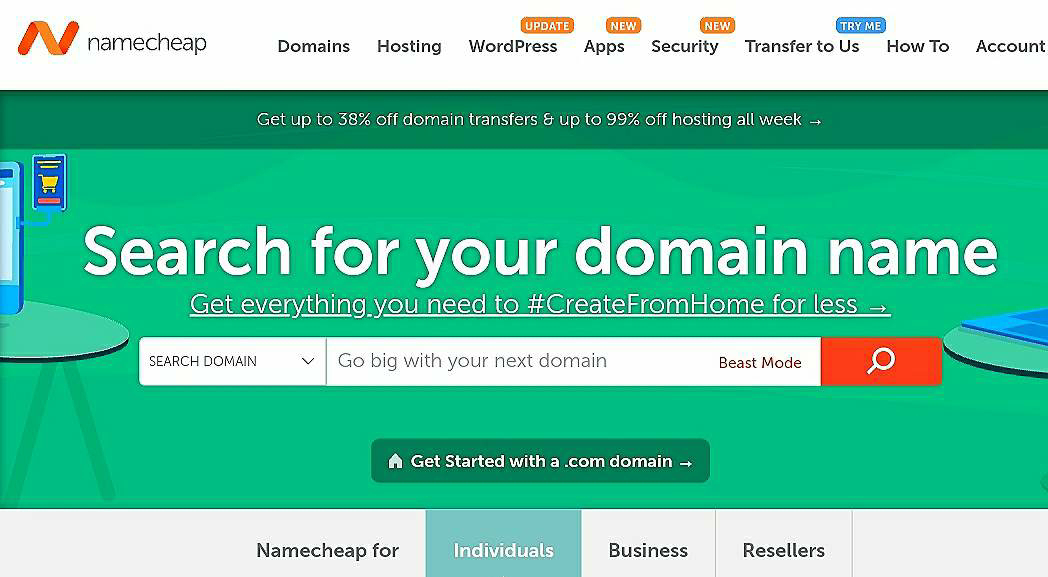
  • Any non-premium domain name to represent the new project online
  • Web hosting best-suited to the website to keep the project up and running
  • Positive SSL certificate to provide the necessary website security
  • Expert advice and tips from Namecheap’s marketing and customer service teams.

  • How to apply:

    To be considered for sponsorship, participants need to complete a simple application form on the “Powered by Namecheap” page. Namecheap’s team will review all completed applications and inform sponsorship finalists via email within 30 days of their entry. Only the best ideas will receive an invitation for sponsorship, and Namecheap is hoping to support as many amazing projects as possible. For more information and to view sponsorship terms and conditions, visit: 

    Click Here To Apply For Namecheap Free Website 

    About Namecheap Namecheap® is an ICANN-accredited domain registrar and technology company founded in 2000 by CEO Richard Kirkendall. Celebrating nearly two decades of providing unparalleled levels of service, security, and support, Namecheap has been steadfast in customer satisfaction. With over 10.5 million domains under management, Namecheap.com® is among the top domain registrars and web hosting providers in the world. To learn more about Namecheap, visit namecheap.com.


    If you like our post , then please follow us by email, and yes don’t forget to comment below.

    Thank you for reading 🙏🙏

    Support Our Blog : Click Here
    Top 3 Ads Network For New Blogger -Instant Approval

    Do want to start blogging as your carrer or part time job ? And want to monetize your website ?


    If your answer is Yes, then today in this post , I will tell you about three best Ads networking site for new bloggers .
    Adsense is clearly a great ad platform because of the quality of their ads, but the problem is getting AdSense approval. For a new blogger (blogspot) it is not possible to get instant approval from AdSense, the approval may took 4 – 6 months. You have to meet the requirement criteria for getting AdSense approval and high quality content is not only factor , there are many other factors which AdSense want to see before approving your site. 
    Small blogs (New Blogger) usually don’t get AdSense approval easily. So I had found several other Ads network for the new bloggers where you can get instant approval and good quality Ads. Please read the post carefully till the end otherwise if you skip , then you will be regretted.

    This article is written for the new and small bloggers , who does not have much traffic , read it carefully it will be gold mine for you.
    3 Best Ads Network For Small Publisher


    1) Propeller Ads

    Propellerads is a CPM network which is idle for any beginner or intermediate bloggers. For a new blogger I must suggest propeller ads.All you need to do is after signing up:
    • First you have to create a Ads.
    •Place it on your blog (In Edit HTML section)
    •You will make anywhere between $1-$4 for          1000 views.
    •Minimum payout is $25
    The propeller Ads pay you by Payoneer , Webmoney and other payment methods.

    2) RevenueHits

    Revenue Hits is very different when compared to the other ad networks on this list.

    Revenue Hits won’t pay you anything for clicks or impressions. They only pay when a click is turned into action. For example, if advertisers need user information, they advertise using Revenue Hits.

    Publishers place the ad code on their blog. When a visitor clicks the ad and gives his/her name and email to the advertiser, the publisher (you) will get paid.

    The revenuehits will pay you between $10 – $50per actions and I had seen that many publisher makes $80  to $100 per days . 

    Advantages of Revenue Hits:

    1. Very high CPA rates
    2. Good minimum payout when compared to other ad networks like AdSense
    3. Good customer support.
    4. Instant activation and approval.

    Overall I love RevenueHits and I personally use RevenueHits.The RevenueHits will pay you through PayPal , wire transfer etc and other payment method.

    Create Account On RevenueHits – Click Here

    3) PopAds

    PopAds is another good ads networking site as you get instant approval and there is not much requirement for approval. This Ads networking site is very good for the new bloggers as they don’t have any minimum traffic requirement.


    Advantages of PopAds:

    1. High CPM rates when compared to other networks.
    2. No minimum traffic requirements
    3. Minimum payout is $5
    4. The withdrawal is automatic.
    5. Approval is instant.
    There is only one cons of Popads and its there is only two payments withdrawal methods.
    •Paypal
    •Payoneer

    I hope you like our post and don’t forget to follow us by email.
    Please support us by donation
    UPI ID – 9469726720@upi

    Google Pay – +91 9469726720
    Your small contribution helps us to create better content.
    Thank you…

    How To Change Favicon Of Blogger | Blogspot | Tech Support

    What is Favicon?
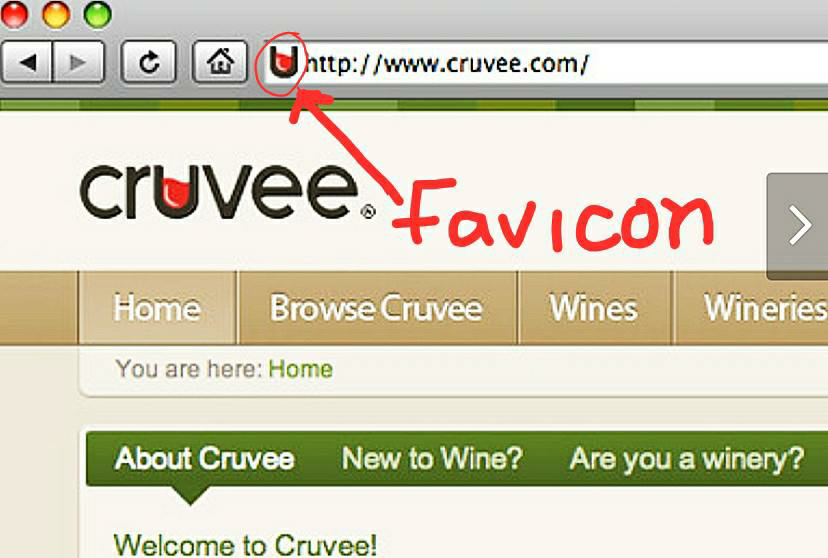
    It is an icon which is associated with a particular website, which is typically displayed in the address bar of the browser.
    From last few days, I was trying to add the favicon to my blogger site. But I didn’t get any option in the layout section in the main menu of the blogger. Since after the previous update the favicon edit option was removed. Even if you try from the desktop, you don’t get the favicon change option.
    But after making a lot of efforts, Finally I had found the solution. If you also want to add favicon on your website, then please read it carefully till the end.
    First of all, you have to log in to your blogger account. Then after logging in, the dashboard will be opened.
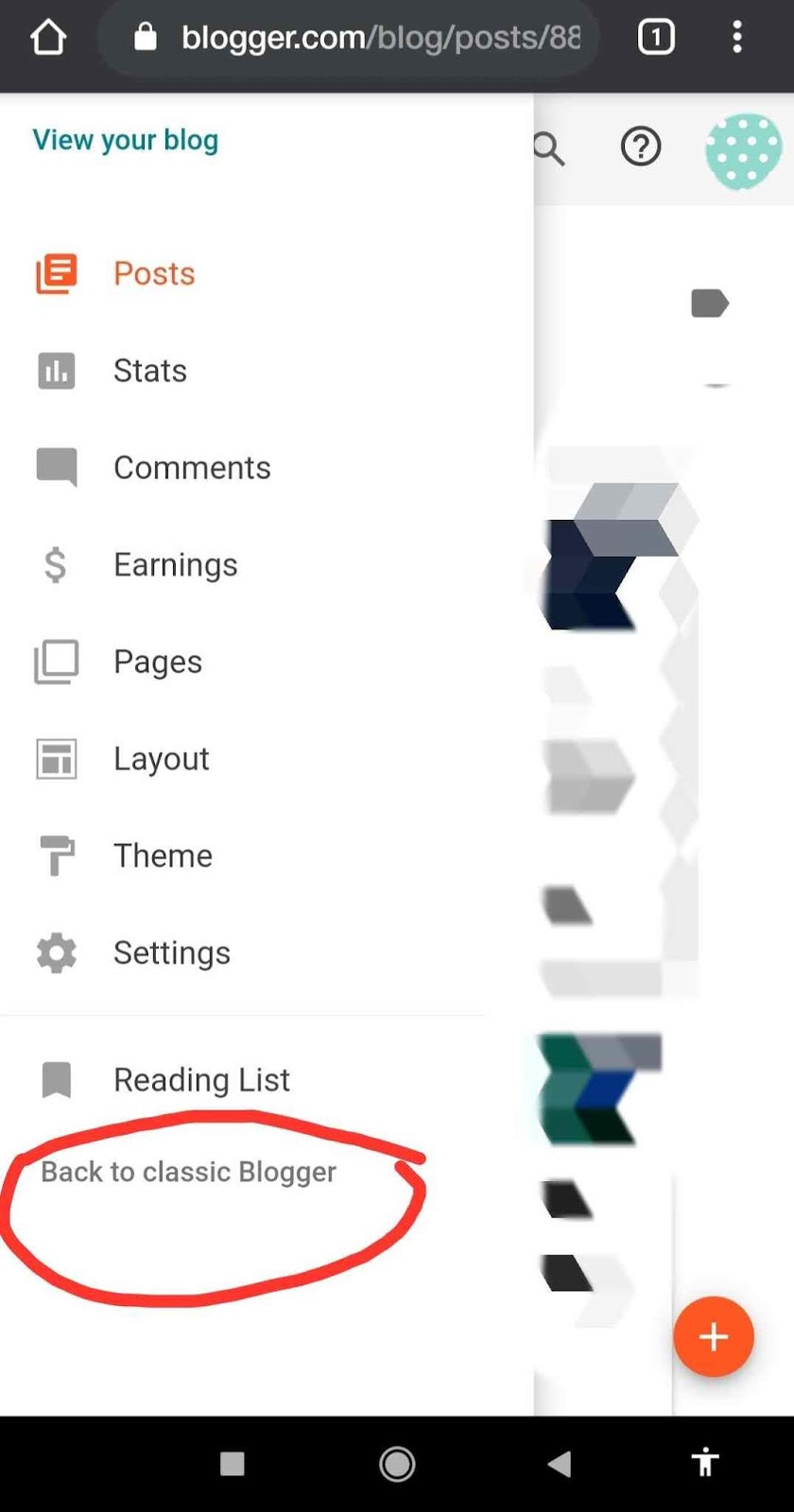
    Click on the main menu button on the left side of the dashboard. At last, you will get an option
    ” Back to Classic Blogger “. After clicking on the link, the old version of the blogger will be opened.

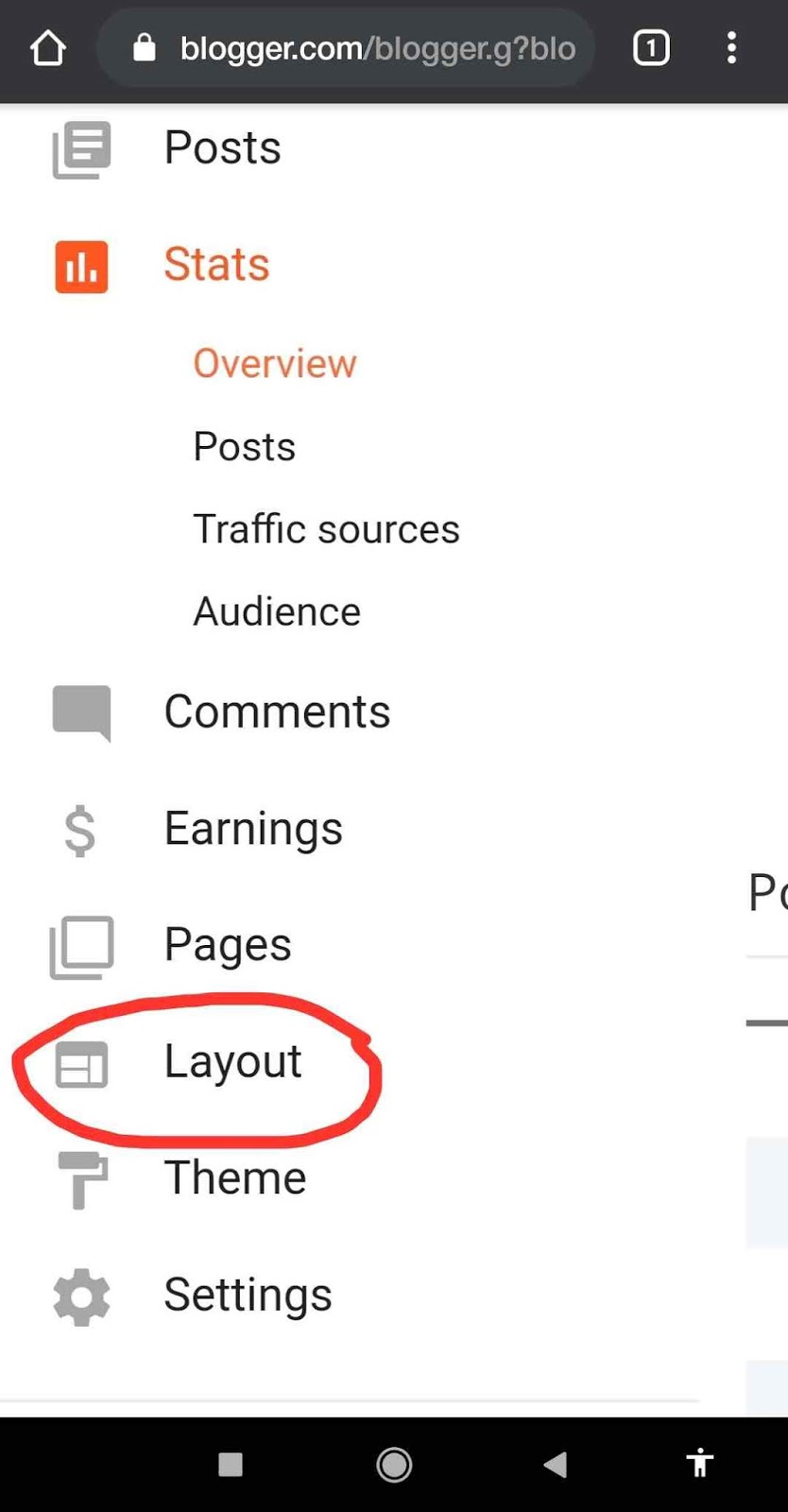
    Then after that, click again on the main menu button. Click on the ” layout section ” from the menu. 
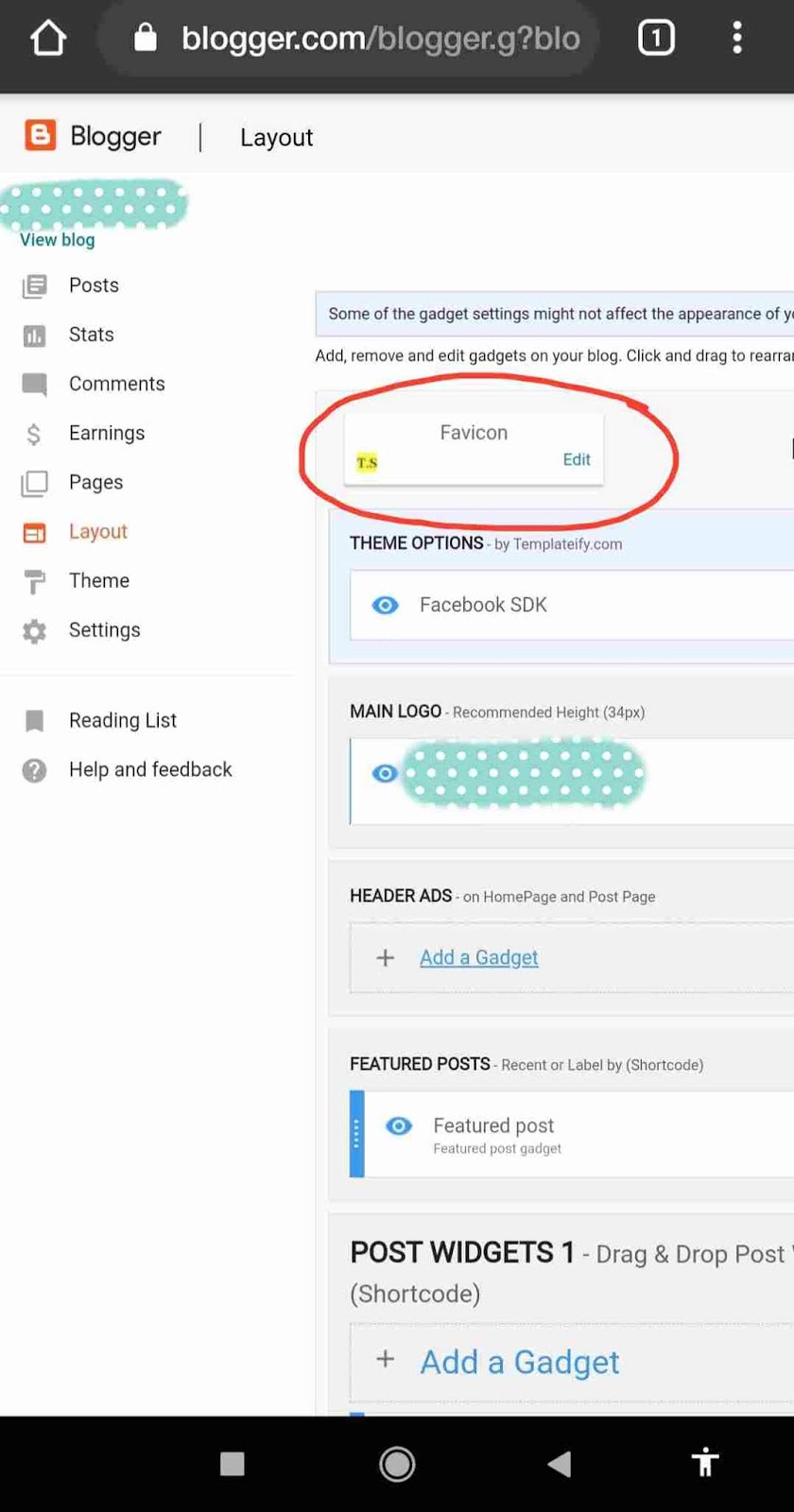
    There you will get ” Change the Favicon Option “. Now you can upload the icon of your website. 
    Important: The image size should be square and should be less than 100 KB.
    Square Image Cropper: Click Here
    If you are using mobile devices , then request to desktop version in chrome , then after that you will able to crop the image.
    Please support us by donation
    Upi ID – 9469726720@upi

    Google Pay – +91 9469726720
    Your small contribution help us to create better content.
    Thank you….

    How to Build Free Website | Free hosting | 2020

    Many of you want to have your own website. So in order to build a website, you need a good programming skill or you have to buy a pre-built template. So in this post, I’m going to show you how can you build your own website without any coding knowledge and you get lots of free templates. And after building the site you can host it for free and publish your website on the internet for free.

    Basically, the website is used for different purpose such as :
    •Blogs and personal
    •E-commerce
    •Online community
    •Portfolio
    •Informational

    How to get a free domain?
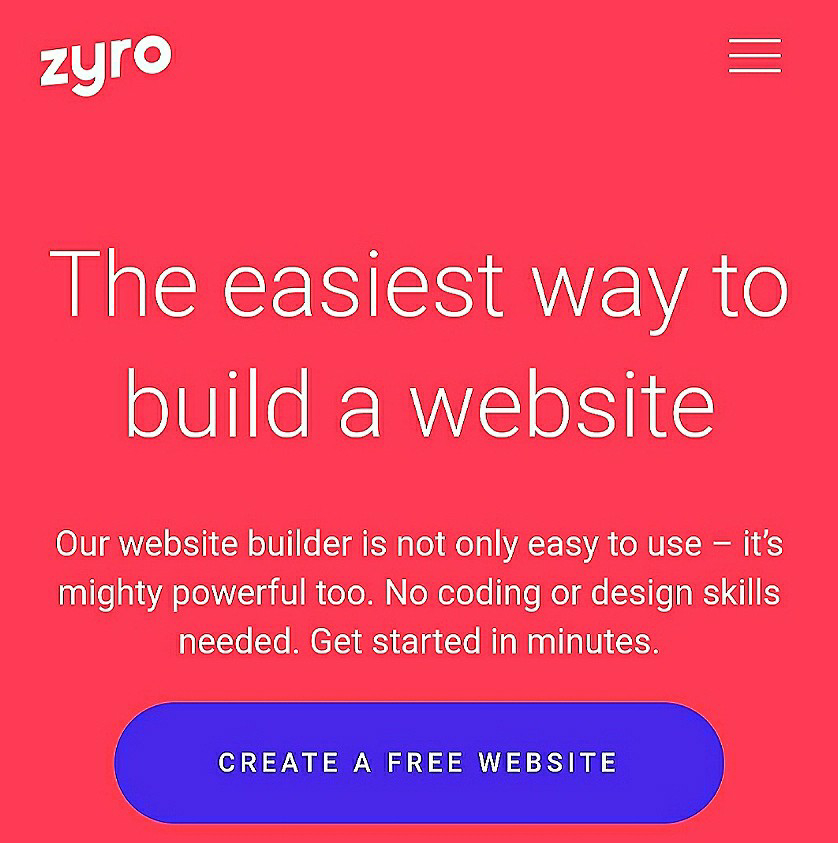
    1) First of all, you have to type zyro.com in the search box of your browser. Click on the choosing en link. After clicking the new window will open.
    2) First, you have to create an account in zyrosite. After creating an account, you will get different types of templates for free. The zyrosite provides different kinds of templates. You have to choose one of the templates of your own choice.
    3) After choosing the template, you have to customise the template with your business name,  services you provide etc
    4) Finally, when the customisation is done you have to publish your website on the internet and it is absolutely free. Within a minute your website will be published on the internet and it can be seen by anyone.
    Congratulation your website is finally published on internet.
    Please support us by donation
    Upi ID – 9469726720@upi

    Google Pay – +91 9469726720
    Your small contribution help us to create better content.
    Thank you….

    How To Get Free Top Level Domain | 100% Free 2020

    In this post I am going to show you , how to get a free domain and how to register it. 

    Many of you want to start your own website and want to monetize your website and earn money. In order to monetize a website first you have to register a domain name. So in this post , I am going to show you how can you register your own domain for free. Please read it carefully till the end.

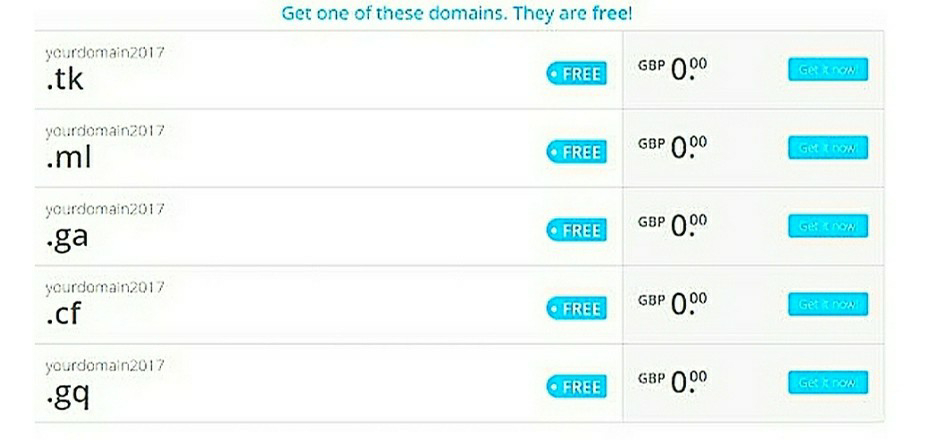
    Open any web browser. And in the search box type  www.freenom.com  , a new page will appear in the browser and first of all you have to create an account of  freenom which is very simple and easy. After creating an account click on Register a new domain. You can choose your own domain name and check the availability. If the custom domain name is available for you then you can register the domain name. and within a minute your domain will be registered and you have to buy hosting package. 

    There are many sites which provide different hosting packages. Some sites which I would like to recommend are as follows :

    Bluehost  Cheap webhosting and free domain.
    GodaddyStarter bundle at Rs 54/month (time limited offer)

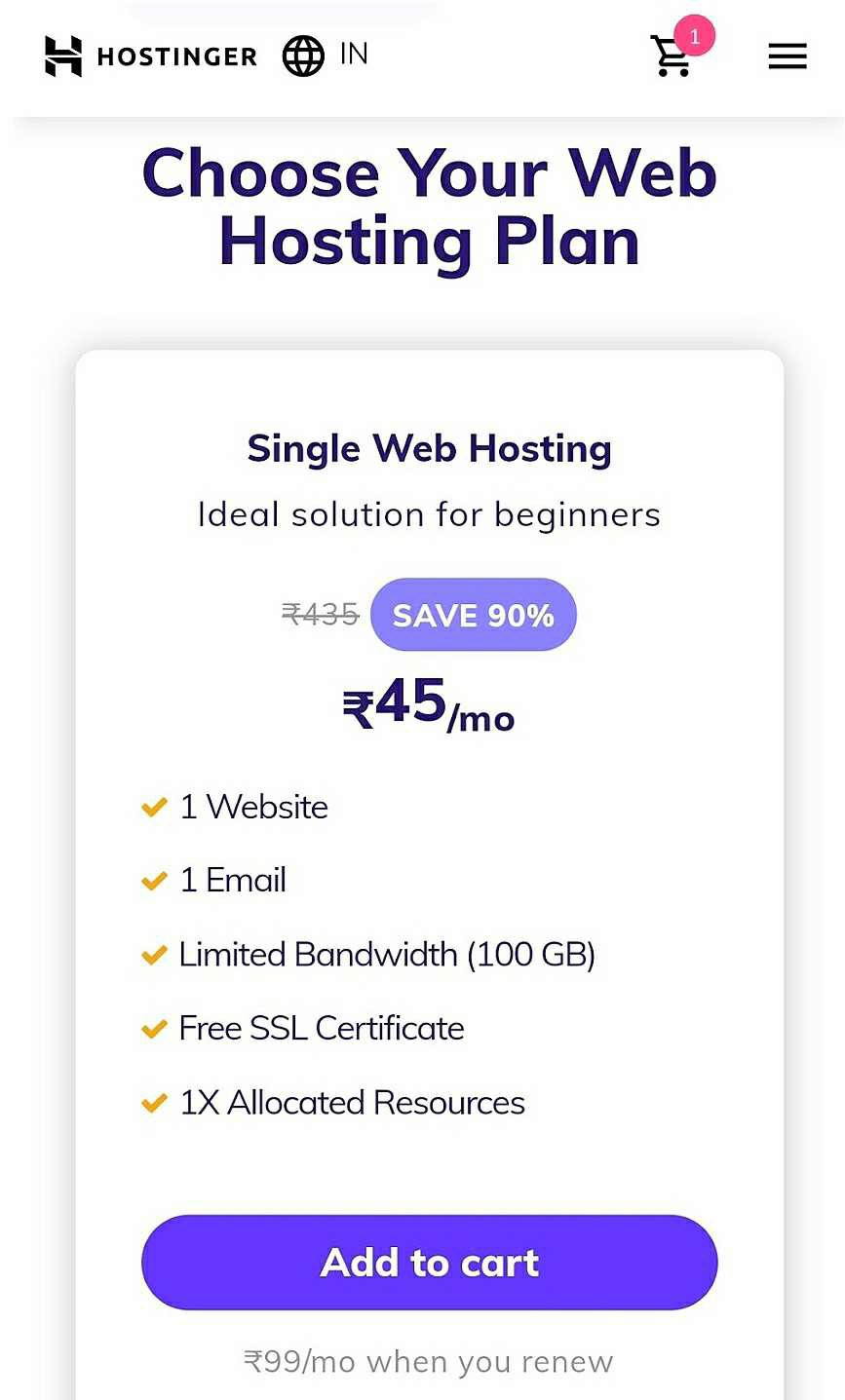
    HostingerWeb hosting starts at Rs 45/month


    Please support us by donation

    Upi ID – 9469726720@upi
    Google Pay – +91 9469726720

    Your small contribution help us to create better content.
    Thank you….