What is Favicon?
It is an icon which is associated with a particular website, which is typically displayed in the address bar of the browser.
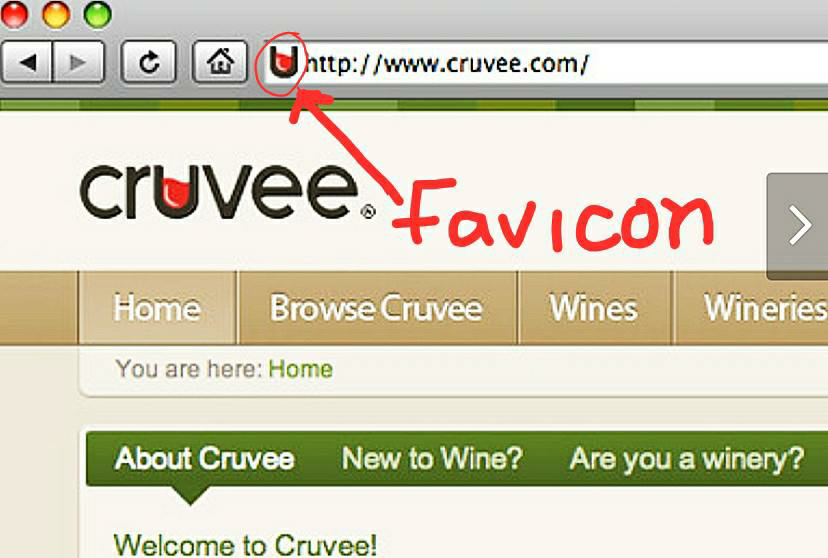
From last few days, I was trying to add the favicon to my blogger site. But I didn’t get any option in the layout section in the main menu of the blogger. Since after the previous update the favicon edit option was removed. Even if you try from the desktop, you don’t get the favicon change option.
But after making a lot of efforts, Finally I had found the solution. If you also want to add favicon on your website, then please read it carefully till the end.
First of all, you have to log in to your blogger account. Then after logging in, the dashboard will be opened.
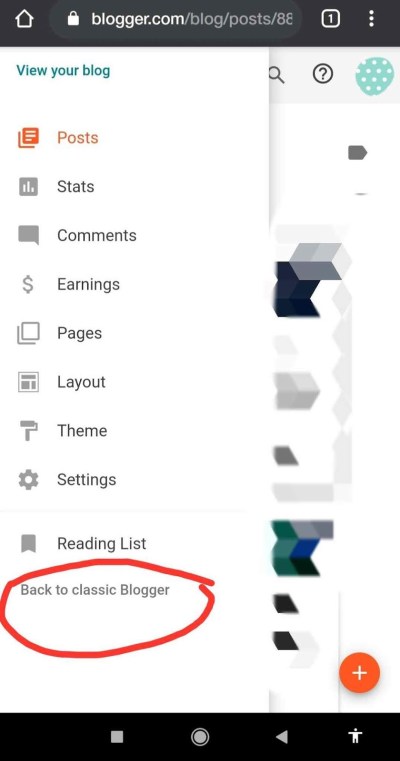
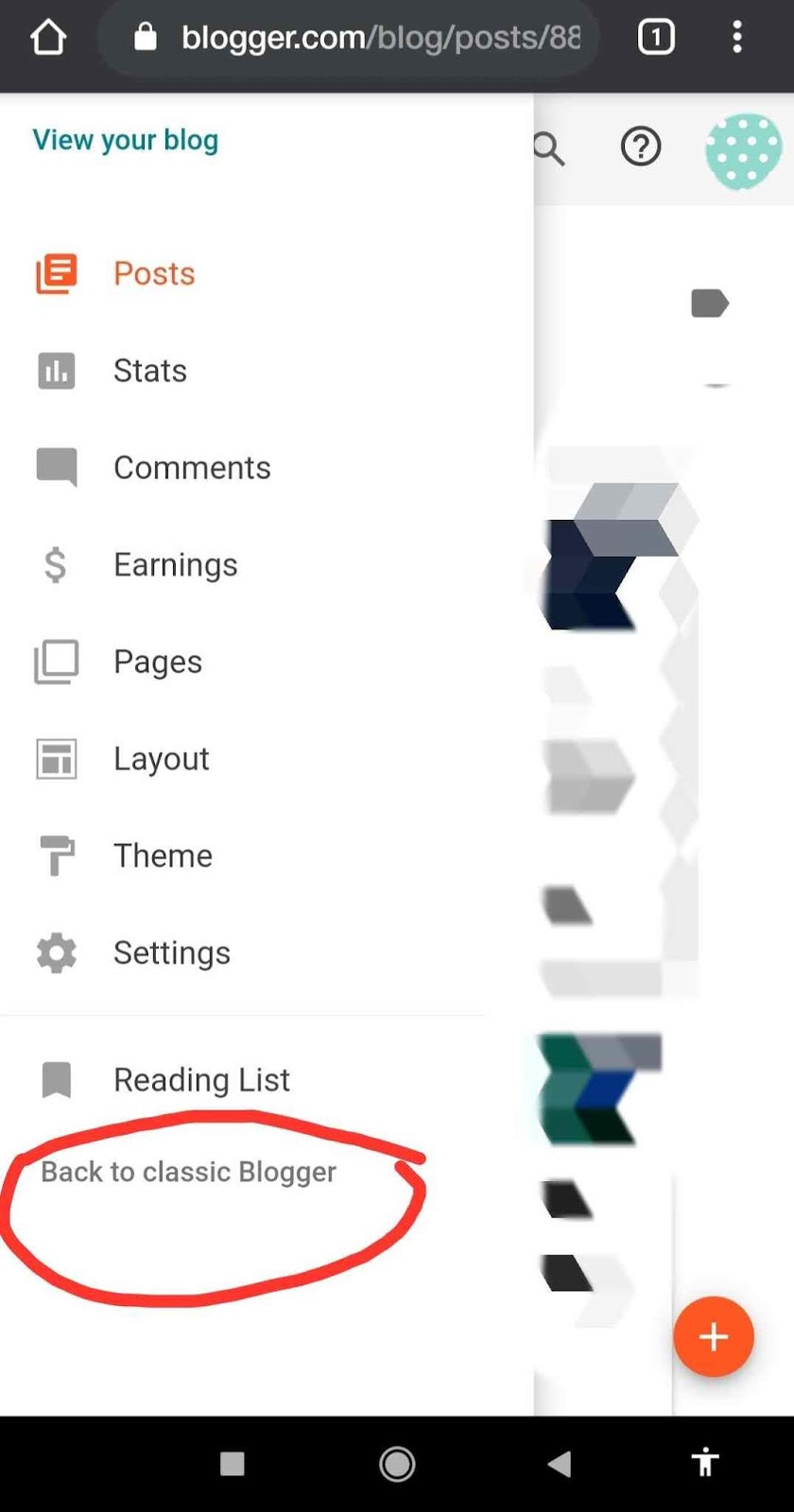
Click on the main menu button on the left side of the dashboard. At last, you will get an option
” Back to Classic Blogger “. After clicking on the link, the old version of the blogger will be opened.
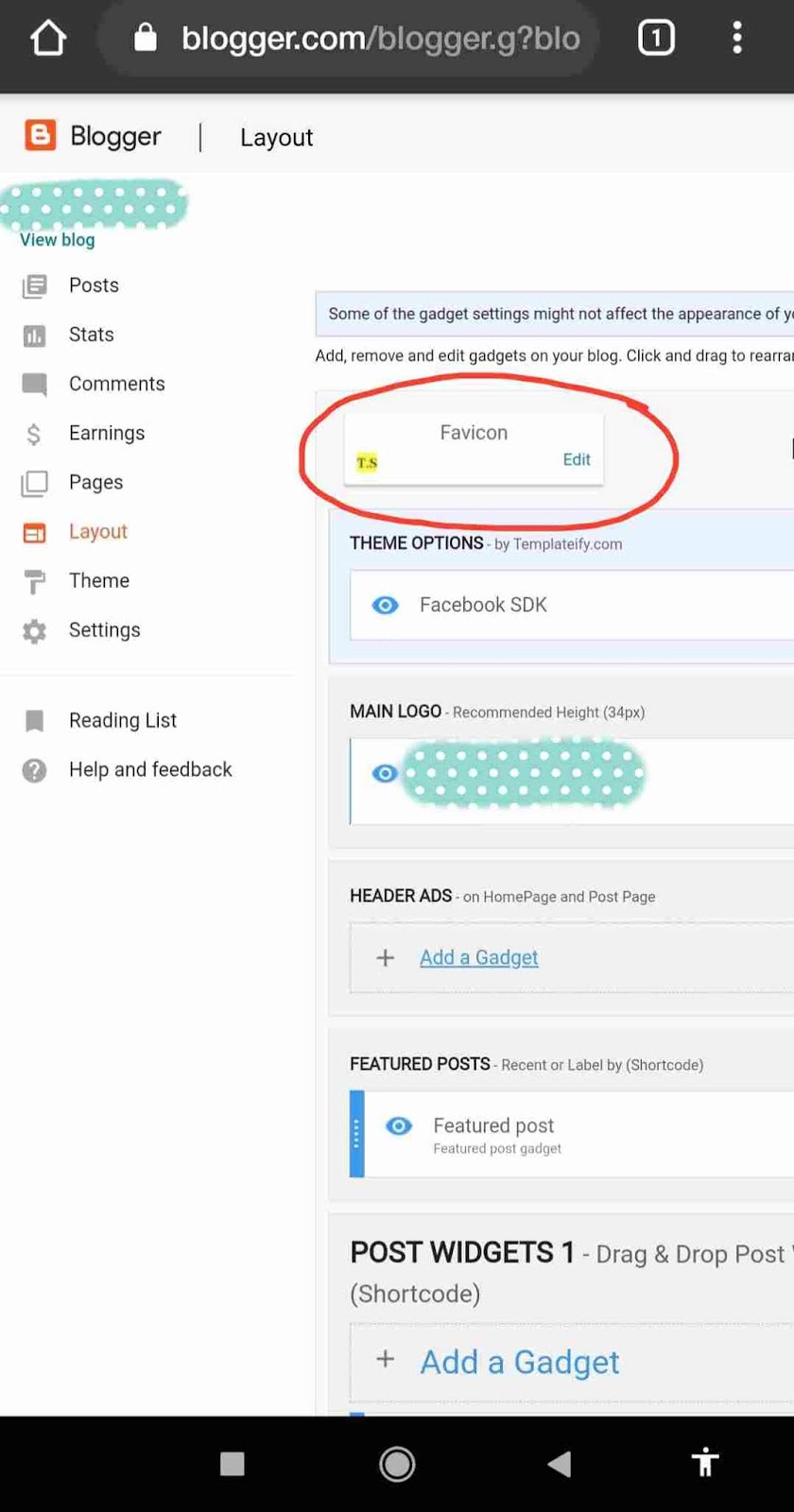
Then after that, click again on the main menu button. Click on the ” layout section ” from the menu.
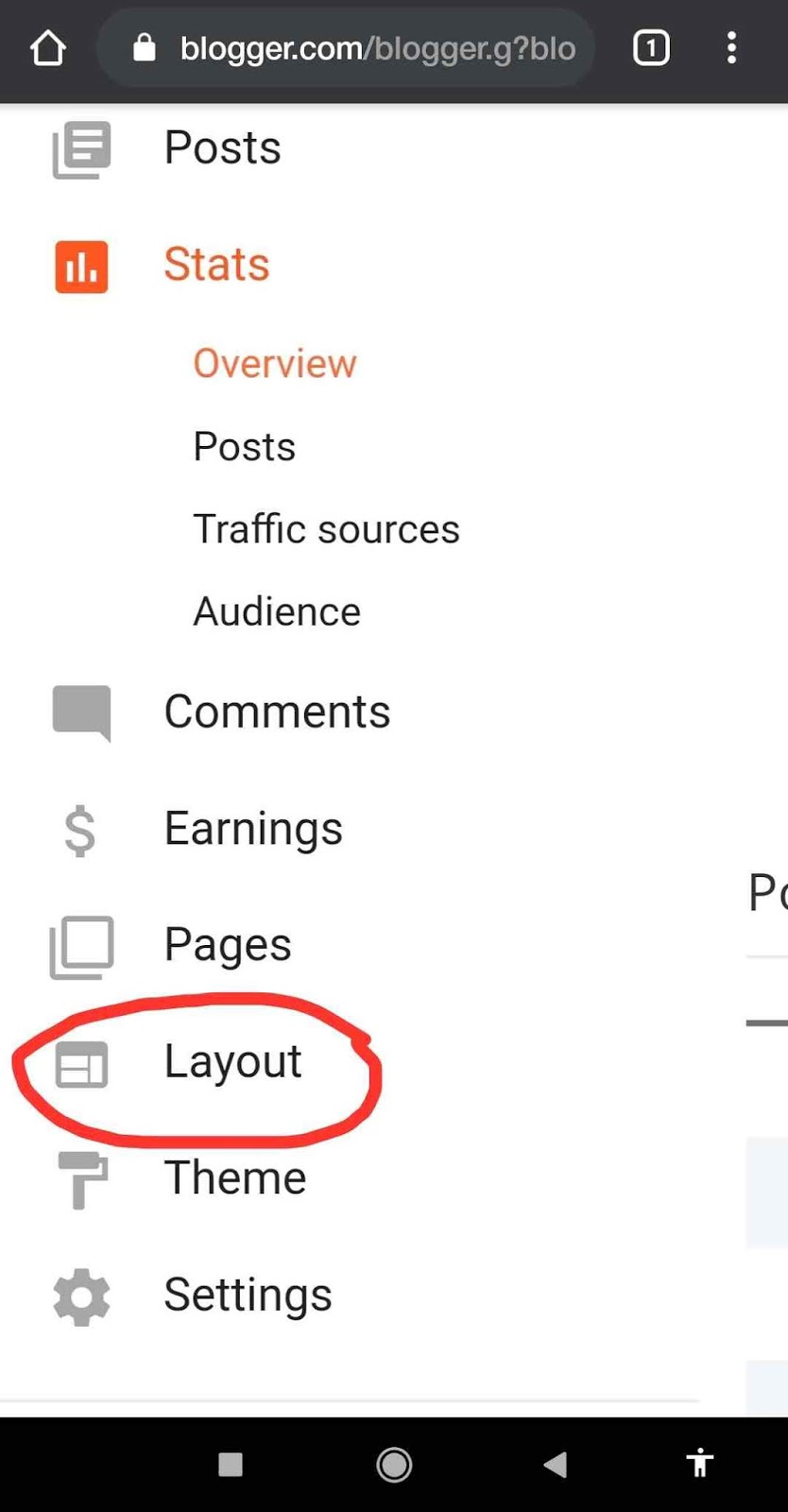
There you will get ” Change the Favicon Option “. Now you can upload the icon of your website.
Important: The image size should be square and should be less than 100 KB.
Square Image Cropper: Click Here
If you are using mobile devices , then request to desktop version in chrome , then after that you will able to crop the image.
Please support us by donation
Upi ID – 9469726720@upi
Google Pay – +91 9469726720
Your small contribution help us to create better content.
Thank you….
 Tech Support